
Counterparty failures have cost crypto holders over $19 billion since 2011 through exchange collapses, hacks, and regulatory seizures. Self-custody eliminates that risk: when you hold your own keys, no platform can freeze your account, impose withdrawal limits, or lose your funds in an insolvency. You take on all security responsibility yourself.
What Self-Custody Actually Means
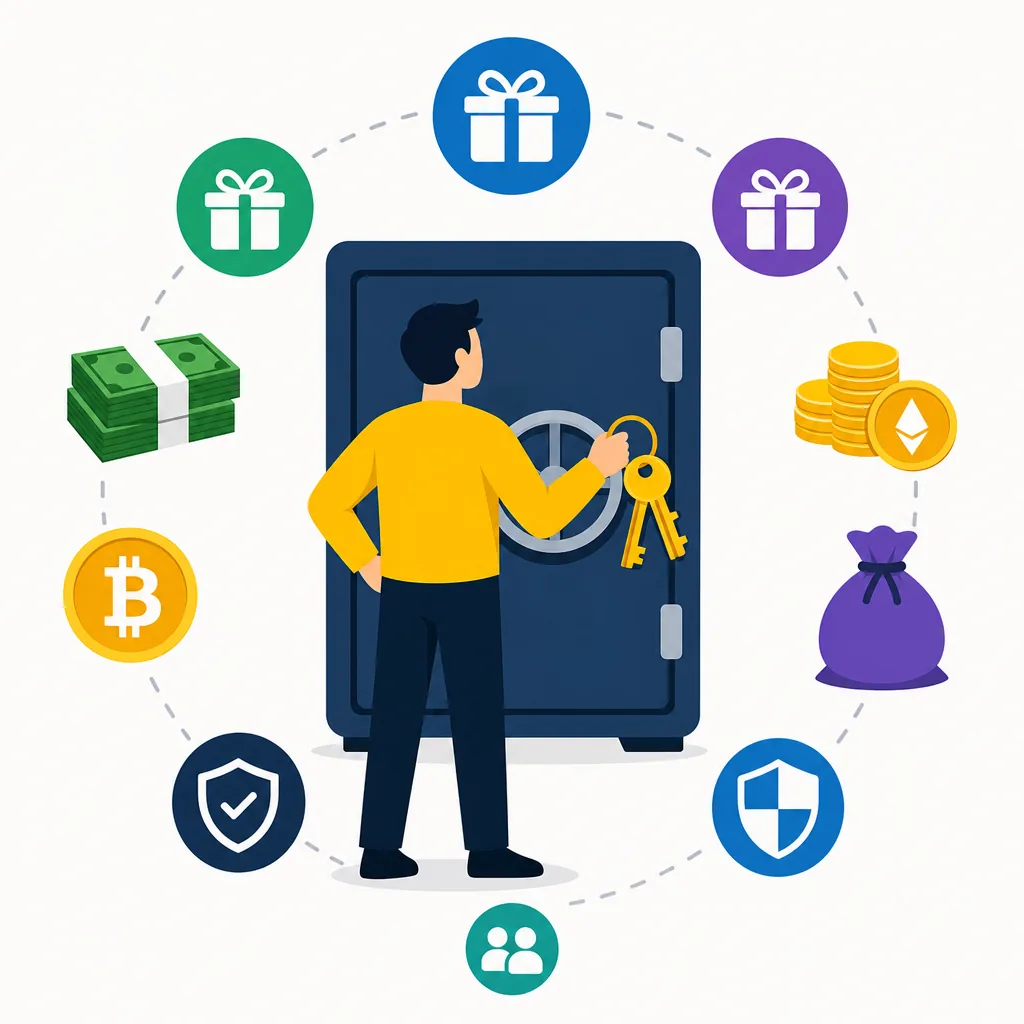
Self-custody puts you in full control of the private keys that unlock your cryptocurrency. Unlike keeping funds on Binance, Coinbase or another exchange where the platform holds your assets in pooled accounts, self-custody means the cryptographic keys live on your device. No company can freeze your account, impose withdrawal limits or restrict access.
A self-custodial wallet is software (or hardware) that generates and stores these private keys locally. When you send Bitcoin or USDT from a self-custody wallet, you sign the transaction with your private key directly. The exchange never enters the picture. This shift eliminates counterparty risk: there’s no institution that can fail, get hacked or lock you out.
Private Keys vs. Exchange Accounts
When you deposit crypto on an exchange, you receive an account balance in a database. The exchange holds the actual private keys to wallets containing everyone’s pooled funds. You trust the platform to honor withdrawal requests and maintain reserves. With self-custody, you hold the private key itself. That key is a 256-bit number (usually displayed as a 64-character hexadecimal string for Bitcoin) that mathematically proves ownership of an address and authorizes transactions. Lose the key, lose the coins permanently.
The Role of Seed Phrases in Recovery
Most self-custody wallets generate a seed phrase during setup: typically 12 or 24 random words drawn from a standardized list. This seed phrase is the master key. It deterministically recreates every private key and address in your wallet using a method called BIP-39. If your phone breaks or your laptop dies, entering the seed phrase into any compatible wallet software regenerates your entire wallet with every address and balance intact.
The seed phrase carries absolute power. Anyone who sees it can drain your wallet from anywhere in the world. There’s no password reset, no customer service ticket, no recovery department. Sole responsibility for backups, security and transaction verification rests with you.
Self-Custody vs. Exchange Custody: Different Risk Profiles
The choice between self-custody and exchange custody isn’t about which is safer in absolute terms. Each model carries its own distinct risks, and the right approach depends on your technical confidence, asset size, and trading frequency.
| Dimension | Exchange Custody | Self-Custody |
|---|---|---|
| Counterparty risk | Exchange insolvency, regulatory seizure, account freezes | None (you control the keys) |
| Operational risk | Minimal (platform manages security) | High (you handle backups, seed phrases, transactions) |
| Recovery options | Password reset, customer support, 2FA recovery | None (lost seed phrase = permanent loss) |
| Regulatory exposure | Subject to government action, compliance freezes | Personal jurisdiction only |
| Convenience | Instant trading, no transaction fees for internal transfers | Gas fees, slower access, manual transaction signing |
Exchange custody introduces counterparty risk: the platform can become insolvent, face regulatory action, or freeze your account. You’re trusting a third party with your assets, and that trust has failed repeatedly across the industry’s history.
Self-custody eliminates that counterparty risk but replaces it with operational risk. You become responsible for securing seed phrases, verifying transaction addresses, maintaining backups, and protecting against malware. A single mistake can mean permanent, irreversible loss with no customer support to call.
Recent surveys show that cryptocurrency users increasingly prefer self-custody wallets, yet earlier research found that only 15% actually use hardware wallets. This gap reveals growing awareness of exchange risks but persistent hesitation around taking full responsibility for security.
When Exchange Custody Makes Sense
Active traders who execute multiple transactions daily face prohibitive costs and friction with self-custody. Every trade requires manual transaction signing and network fees. If you’re dollar-cost averaging weekly, rebalancing portfolios frequently, or trading derivatives, keeping working capital on a regulated exchange with strong insurance and audit history makes practical sense.
Small account holders (under $1,000) may find that hardware wallet costs and transaction fees exceed the security benefit. Password recovery and customer support provide genuine value when you’re learning.
When Self-Custody Is the Better Choice
Long-term holders storing significant value (generally above $5,000) should prioritize self-custody. Assets you don’t plan to touch for months or years don’t need exchange convenience, and the counterparty risk compounds over time.
If you live in a jurisdiction with unstable banking regulations, unpredictable capital controls, or a history of asset freezes, self-custody provides protection that exchanges cannot offer. Your keys remain accessible regardless of local regulatory changes or platform compliance decisions.
Types of Self-Custody Wallets
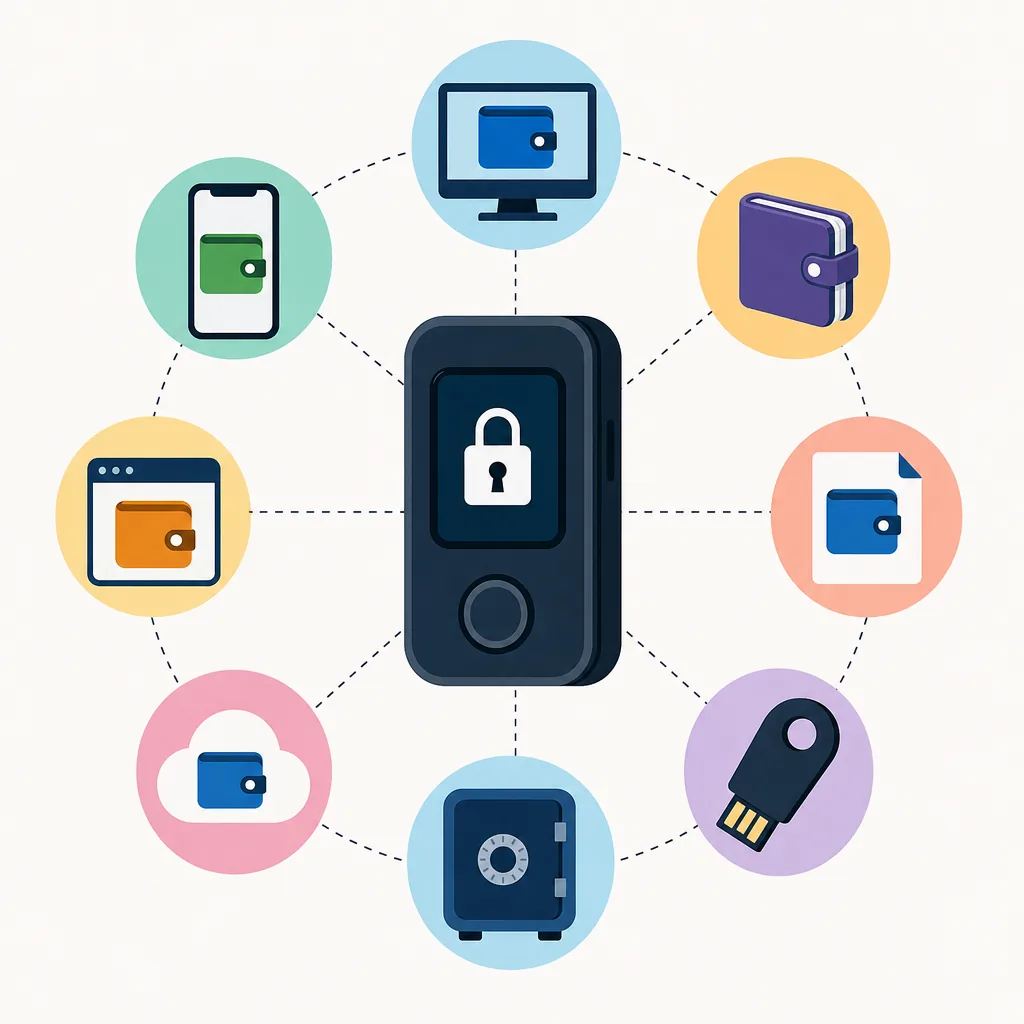
Self-custody wallets come in two main forms: software wallets that keep your private keys on an internet-connected device, and hardware wallets that store keys offline on a dedicated physical gadget. The difference isn’t just technical. Hardware wallets isolate your keys from internet-connected computers, which makes them far more resistant to malware, phishing attacks, and remote theft.
Software Wallets: Convenience with Internet Exposure
Software wallets run as mobile apps or desktop programs. They’re free, quick to set up, and let you send crypto in seconds. Popular examples include MetaMask, Trust Wallet, and Exodus. Because your private keys live on a phone or computer that connects to the internet, they’re exposed to any malware or exploit that touches that device. A compromised app, a fake browser extension, or even clipboard hijackers can siphon funds if your device is infected.
That said, software wallets work well for small amounts you spend regularly (think of them like the cash in your physical wallet). They’re practical for interacting with DeFi protocols, making frequent trades, or testing new tokens. Just don’t store your entire portfolio on one.
Hardware Wallets: Maximum Security for Long-Term Storage
Hardware wallets (Ledger, Trezor, Tangem) keep your private keys on a physical device that never directly connects to the internet. When you authorize a transaction, the hardware wallet signs it internally and sends only the signed message to your computer, so your keys never leave the device. This air-gapped design stops nearly every remote attack vector.
For portfolios over $1,000, a hardware wallet is usually a smart investment. Prices start around $50 and climb to $200 for advanced models. Since 2022, recovery methods have evolved beyond the traditional 12- or 24-word seed phrase. Some newer hardware wallets support social recovery (splitting access among trusted contacts), biometric unlocking, or encrypted cloud backups, reducing the risk that a lost seed phrase means lost funds forever.
How to Set Up a Self-Custody Wallet: Step-by-Step
Setting up a self-custody wallet correctly protects your funds from exchange hacks and custodian failures, but the process itself introduces risks if you rush through seed phrase handling or skip verification steps. The setup sequence matters: choose a wallet, generate new private keys locally, back up your recovery phrase using physical media only, test with a throwaway amount, then verify your backup works before moving serious money.
Choosing the Right Wallet
Match your wallet to your portfolio size and technical comfort level. Software wallets (mobile or desktop apps) generate private keys on your device and work well for smaller holdings or frequent transactions. Hardware wallets cost $50 to $250 but store keys on dedicated offline devices, making them the standard for portfolios above a few thousand dollars.
Check that the wallet is open-source or audited, supports the specific blockchains and tokens you hold, and has an active development team. Avoid newly launched wallets without a track record and never download wallet software from unofficial app stores or third-party websites.
Generating and Securing Your Seed Phrase
During setup, the wallet generates a 12- or 24-word seed phrase that serves as your master backup. These words are created locally on your device, not sent to any server.
Write the seed phrase on paper or stamp it into metal. Never photograph it, never type it into a computer, and never save it in cloud storage or password managers. This is the most dangerous step in the entire process: a single digital copy exposes your funds to malware, phishing sites, and remote attackers.
Store the written seed phrase in at least two separate physical locations. A fireproof safe at home and a secure location outside your residence (trusted family member, safety deposit box) protect against theft, fire, and natural disasters.
Testing Before Committing Funds
Send a small test transaction worth $10 to $50 to your new wallet. Verify it arrives, then practice the recovery process: wipe the wallet or install it on a second device and restore it using only your seed phrase.
If the recovery fails or you can’t locate your backup, you’ve discovered the problem with $20 at risk instead of your entire portfolio. Only after successful recovery should you transfer significant funds.
Critical Security Risks and How to Avoid Them
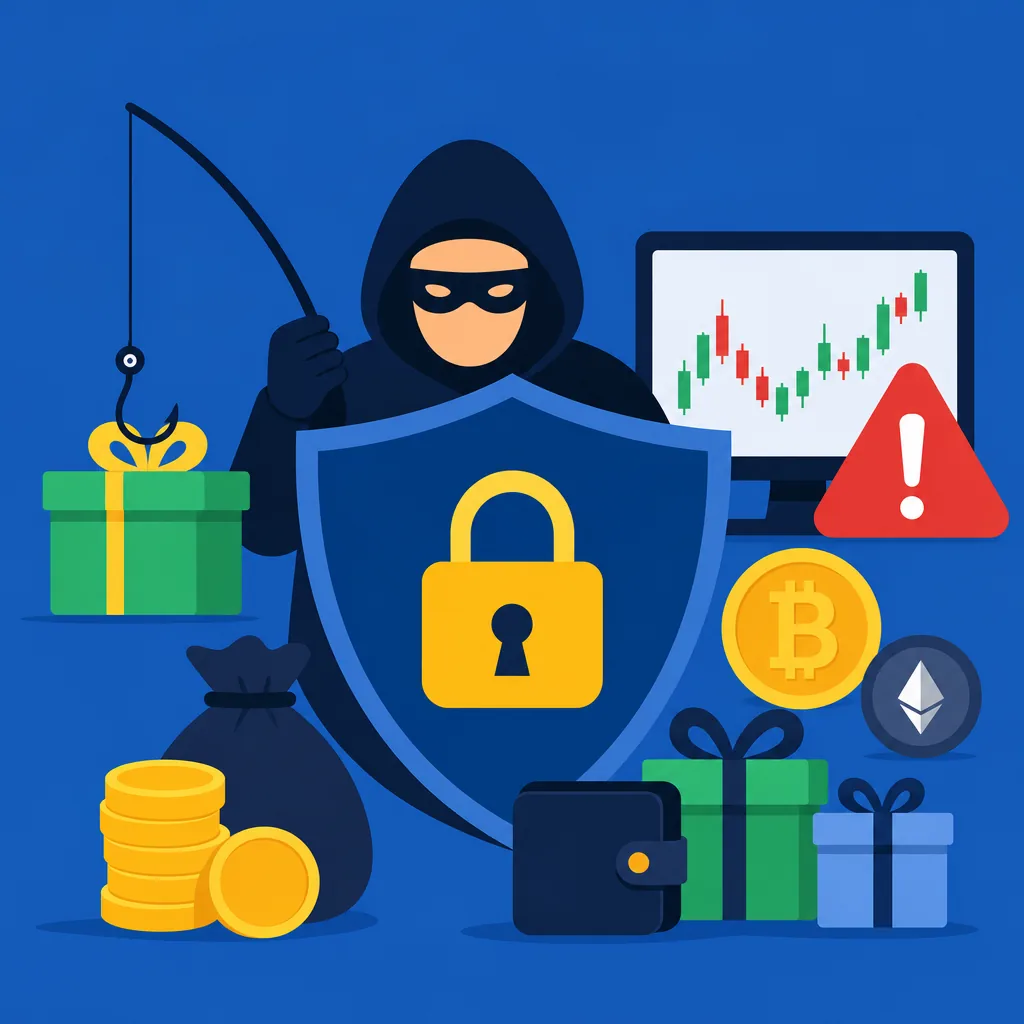
Self-custody eliminates exchange counterparty risk, but it replaces that threat with a different set of vulnerabilities. Lose your seed phrase and there’s no password reset button, no customer service escalation, no recovery mechanism at all. The funds vanish permanently.
The Permanent Risk of Seed Phrase Loss
A twelve or twenty-four word seed phrase is the master key to your wallet. Write it down incorrectly, misplace it, or let it deteriorate over time, and you lock yourself out forever. Unlike a forgotten bank PIN that can be reset with identity verification, blockchain systems have no central authority to restore access. The protocol doesn’t distinguish between you and an attacker; whoever holds the valid seed phrase controls the wallet.
Fire, floods and accidental disposal destroy paper backups more often than most holders expect. A handwritten note left in a desk drawer won’t survive a house fire, and ink fades on low-quality paper within a few years. For durability, metal backup plates stamped or engraved with your seed words resist water, fire and physical decay far better than paper or laminated cards.
Protecting Against Physical and Digital Threats
Phishing attacks specifically target seed phrase entry. Fake wallet apps, fraudulent browser extensions and spoofed hardware wallet websites all try to trick you into typing your recovery words. Never photograph your seed phrase, never store it in cloud services, never type it into any computer or mobile device unless you’re performing a legitimate wallet recovery on software you verified directly from the official source.
Malware on the computer you use to access a software wallet can intercept keystrokes, capture screenshots and exfiltrate private keys. Before installing any wallet application, verify the download URL matches the developer’s official site, check the file hash if provided, and read recent community reports for signs of compromise. A single typo in a domain name can route you to a convincing impostor site distributing malicious software.
Physical theft of a hardware wallet becomes a problem if your PIN is weak or your backup is stored nearby. Separate your seed phrase backup from your device, use different physical locations if the value justifies it, and never leave recovery materials where someone accessing your home or office can easily find both.
A Blended Custody Strategy for Active Traders
Most traders can’t function with 100% of their crypto locked in cold storage. If you’re claiming exchange bonuses, earning trading rebates, or actively managing positions, you need immediate liquidity. The practical answer is a split allocation: store 80-90% of your holdings in self-custody for long-term security, and keep 10-20% on exchanges for trading operations.
This approach recognizes that exchange hacks remain frequent (nearly 150 platform breaches stole $2.87 billion in a recent twelve-month period), while also acknowledging that traders need working capital to capture opportunities, meet bonus requirements, and execute strategies without waiting for blockchain confirmations every time.
Why Active Traders Need Exchange Access
Trading bonuses and cashback programs require on-platform activity. A deposit match bonus typically demands 30-50x the bonus amount in trading volume before you can withdraw profits. Rebate programs pay out based on monthly volume. Staking rewards, futures trial funds, and fee discount tiers all depend on keeping assets accessible within the exchange environment.
Moving funds from a hardware wallet to an exchange for each trade adds friction: blockchain fees, confirmation delays, and the risk of missing time-sensitive setups. If you’re managing a $10,000 portfolio and chasing a 20% deposit bonus, you’ll need $2,000–$3,000 on the exchange to meet turnover requirements without constantly shuttling funds back and forth.
Recommended Allocation by Portfolio Size
For portfolios under $5,000, consider keeping $500–$1,000 on exchanges. This covers typical bonus deposits and active trading while limiting exposure if the platform fails.
Between $5,000 and $50,000, a 90/10 split works well: $45,000 in cold storage, $5,000 available for trading. That gives you enough capital to participate in promotional programs and maintain liquidity without overexposing your holdings.
Above $50,000, move toward 95/5 or even higher ratios. A $100,000 portfolio might keep just $5,000 on exchanges, sufficient for most trading strategies while keeping the bulk in a hardware wallet or multisig setup. The larger your holdings, the less justifiable it becomes to leave significant amounts under third-party control for the sake of convenience.
Common Mistakes to Avoid

Most self-custody failures trace back to a handful of preventable errors. Understanding these before you move funds can save you from permanent loss.
Storing seed phrases digitally ranks as the most common disaster. Users take smartphone photos of their recovery words, save them in password managers, or upload them to cloud storage thinking encryption provides protection. It doesn’t matter if your iCloud account has two-factor authentication or your password manager uses AES-256. Once your seed phrase exists in digital form, it becomes vulnerable to cloud breaches, device theft, malware, and unauthorized access by service providers. A single compromised backup service or stolen phone can empty your wallet before you realize anything is wrong.
Many users fund wallets heavily without ever testing recovery. They write down their seed phrase, transfer thousands of dollars worth of crypto, and assume everything will work when needed. Months or years later, they discover illegible handwriting, missing words, or incorrect word order. Test recovery with a small amount first: wipe the wallet, restore from your backup, and verify you can access funds. Only after confirming successful recovery should you move significant balances.
Unverified wallet software introduces another layer of risk. Fake wallet apps appear regularly in official app stores, designed to mimic legitimate wallets while stealing seed phrases. Always download directly from the official project website, verify checksums on desktop software, and cross-reference URLs before entering any recovery information.
Single-point backup failures happen frequently. Your carefully written seed phrase means nothing if your house floods, burns, or gets burglarized. Keep multiple backups in separate physical locations: one at home, one with a trusted family member, one in a safe deposit box. Metal backup plates survive fire and water damage better than paper.
Large initial transfers often become expensive lessons. Network congestion, wrong address formats, or user error can send funds into an unrecoverable void. Always send a small test amount first, verify it arrives correctly, then proceed with larger transfers.
Finally, anyone asking for your seed phrase is running a scam. Real support teams never need your recovery words. Wallet providers can’t access your funds, can’t reset your seed phrase, and won’t ask for it under any circumstances. If someone claiming to represent customer support requests your seed phrase, you’re talking to a thief.
Choose Based on Your Portfolio and Trading Activity
Self-custody transfers risk from exchanges to you. You eliminate counterparty risk (exchange insolvency, regulatory seizure, account freezes) but accept full responsibility for seed phrase security, backup integrity, and transaction verification. Neither custody model is universally superior. The right choice depends on how much you hold, how often you trade, and whether you’re comfortable managing cryptographic keys without customer support.
For most serious crypto holders, a blended approach offers the best balance: keep the majority in self-custody (hardware wallet, multisig setup, or metal-backed recovery) and maintain a working balance on exchanges for trading, bonuses, and liquidity. If you choose full self-custody, your seed phrase security determines everything. Treat it as seriously as you would a vault containing your entire portfolio: multiple physical backups, separate locations, durable materials, tested recovery.
Recovery methods continue to improve. Social recovery schemes, biometric authentication, and encrypted backup options are making self-custody more accessible without sacrificing security. The gap between exchange convenience and self-custody protection is narrowing, but the fundamental trade-off remains: you either trust a third party or you trust yourself.
Leave a Reply