
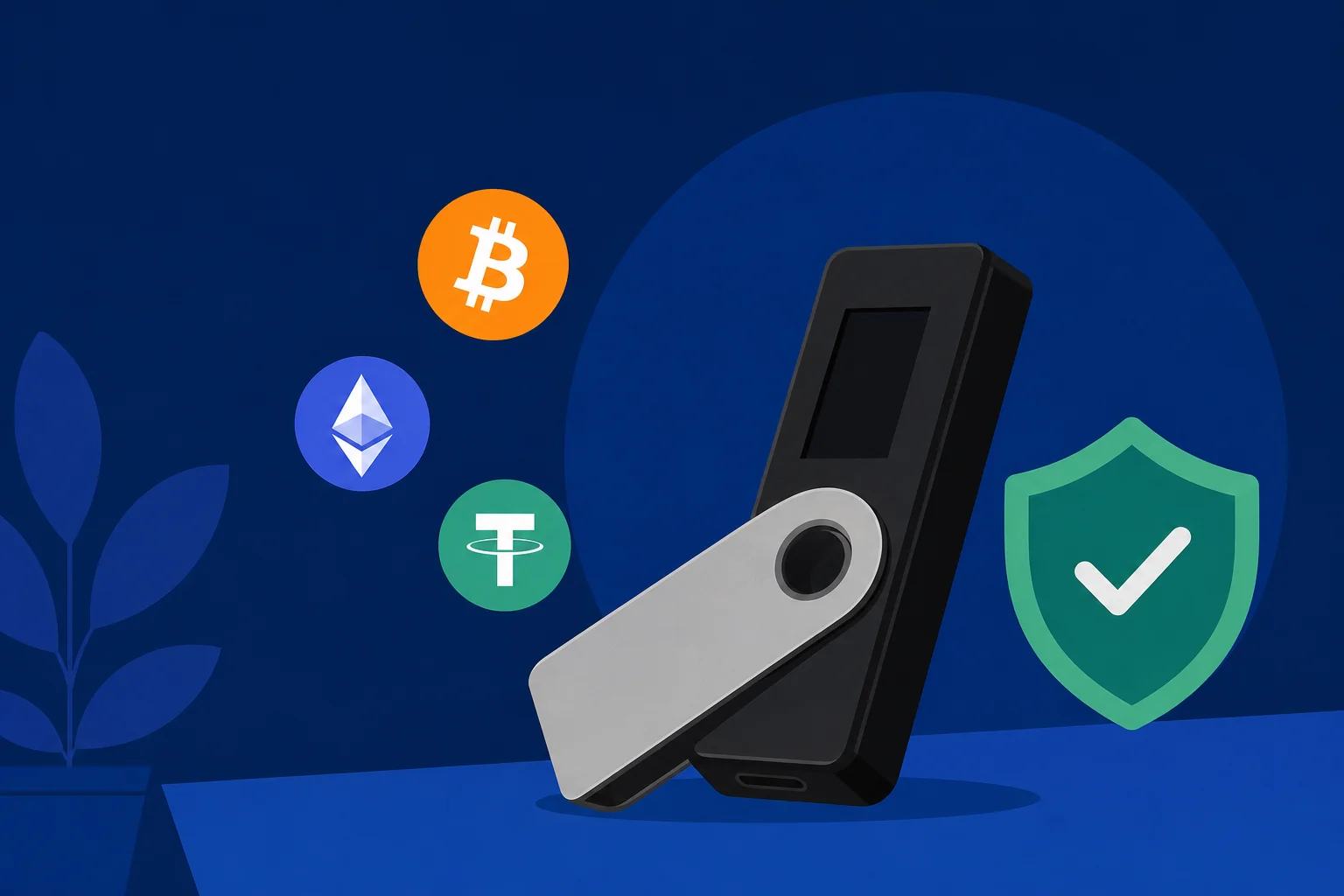
Exchanges hold your crypto, but you don’t control it. True ownership requires self-custody, which means choosing between hot wallets (free, internet-connected, convenient) and cold wallets (offline hardware, more secure, but costing $60 to $500 upfront). Most experienced holders use both, splitting assets between accessibility and isolation. The right choice depends on your portfolio size, how often you transact, and whether you’re willing to trade speed for security.
What Hot and Cold Wallets Actually Are
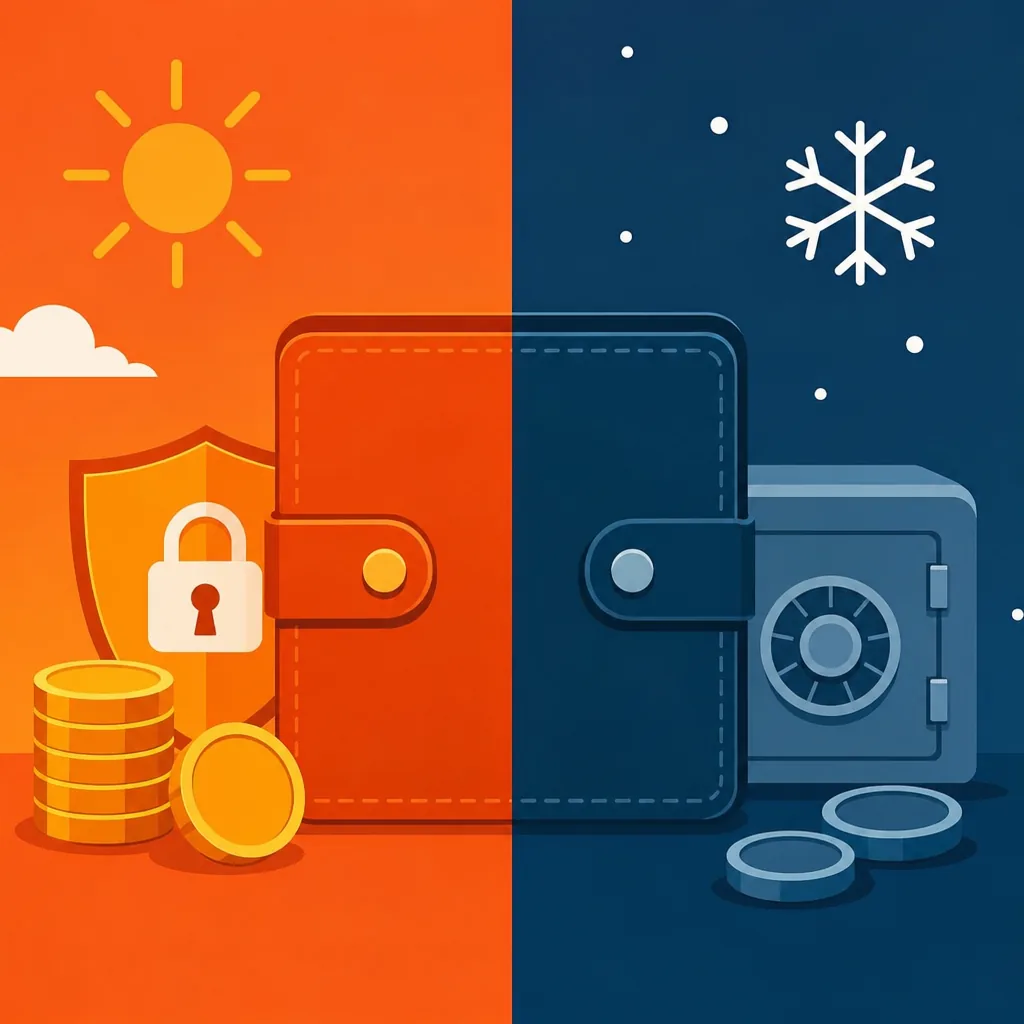
The distinction comes down to where your private keys live and whether those keys ever touch a network connection. A hot wallet stores your private keys on a device that connects to the internet: your smartphone, desktop computer, or browser. Every time you check your balance or send crypto, those keys are on a machine that’s exposed to remote threats. Cold wallets keep private keys on dedicated hardware that never connects directly to the internet, usually a small physical device that signs transactions offline and passes only the signed data to your computer.
Both are self-custody solutions. You control the private keys, you’re responsible for backups, and no exchange or third party can freeze your funds. The difference is the attack surface. Hot wallets trade security for speed: you can send a payment in seconds without plugging in a device. Cold wallets prioritize isolation over convenience: an attacker halfway around the world can’t reach keys that never go online.
Hot Wallets: Convenience at the Cost of Exposure
Hot wallets include mobile apps like Trust Wallet or Exodus, desktop software, and browser extensions such as MetaMask. They’re useful for small balances you spend regularly or for interacting with decentralized apps. Because the private keys sit on an internet-connected device, they’re vulnerable to malware, phishing sites that drain wallets, and any compromise of the device itself. Wallet-drainer phishing losses fell 83% from $494 million in 2024 to $83.85 million across 106,106 wallets in 2025, but the risk remains real.
Cold Wallets: Maximum Security Through Isolation
Cold wallets are purpose-built hardware devices: Ledger, Trezor, Coldcard, and similar products. When you need to send crypto, you connect the device briefly to pass a signed transaction to your computer, but the private keys never leave the hardware. The tradeoff is friction. You can’t impulse-spend from a cold wallet, and you need the physical device to access funds. The security model shifts from defending against remote hacks to protecting a piece of hardware and its recovery phrase from loss, theft, or physical attack.
Security: Where Each Wallet Type Wins and Loses
Cold wallets keep 99% of assets completely offline and immune to remote hackers, but hot wallets still process over 85% of global daily crypto volume. That split reflects a tradeoff: convenience versus isolation, and each side carries distinct risks.
Hot Wallet Vulnerabilities: Device and Network Risks
Hot wallets sit on internet-connected devices, which makes them targets for phishing attacks, malware, and device compromise. In October and November of this year, iOS self-custody wallet users experienced six separate security breaches that cost them a combined $127,000. The incidents weren’t the result of a single vulnerability; instead, attackers exploited a combination of phishing campaigns, malicious apps, and device-level access to extract private keys or seed phrases.
Malware is the most persistent threat. A compromised phone or laptop can log keystrokes, capture screenshots, or intercept clipboard data when you copy a wallet address. Phishing sites that mimic legitimate wallet interfaces trick users into entering seed phrases directly into attacker-controlled forms. Hot wallets also inherit the security posture of the operating system and browser they run on, so a vulnerability in iOS, Android, or Chrome can become a wallet vulnerability.
Cold Wallet Risks: Firmware Exploits and Human Error
Cold wallets eliminate remote attack vectors, but they introduce two failure modes: firmware exploits and user mistakes. A firmware flaw in Coldcard hardware wallets this year allowed attackers to extract private keys under specific conditions, leading to estimated losses between $100 million and $150 million. The exploit required physical access or a sophisticated supply-chain attack, but it shattered the assumption that hardware devices are invulnerable.
User error accounts for the majority of cold wallet losses. Losing the seed phrase or forgetting the PIN locks you out permanently. There’s no password reset link, no customer service line that can restore access. Exchange hacks and hot wallet breaches combined cost the industry roughly $500 million to $2 billion annually in recent years, but lost cold wallet access due to user error still accounts for $50 million to $150 million each year. The difference is that exchange losses are dramatic and public, while self-inflicted lockouts happen quietly, one forgotten backup at a time.
Cost Comparison: Free Software vs Hardware Investment
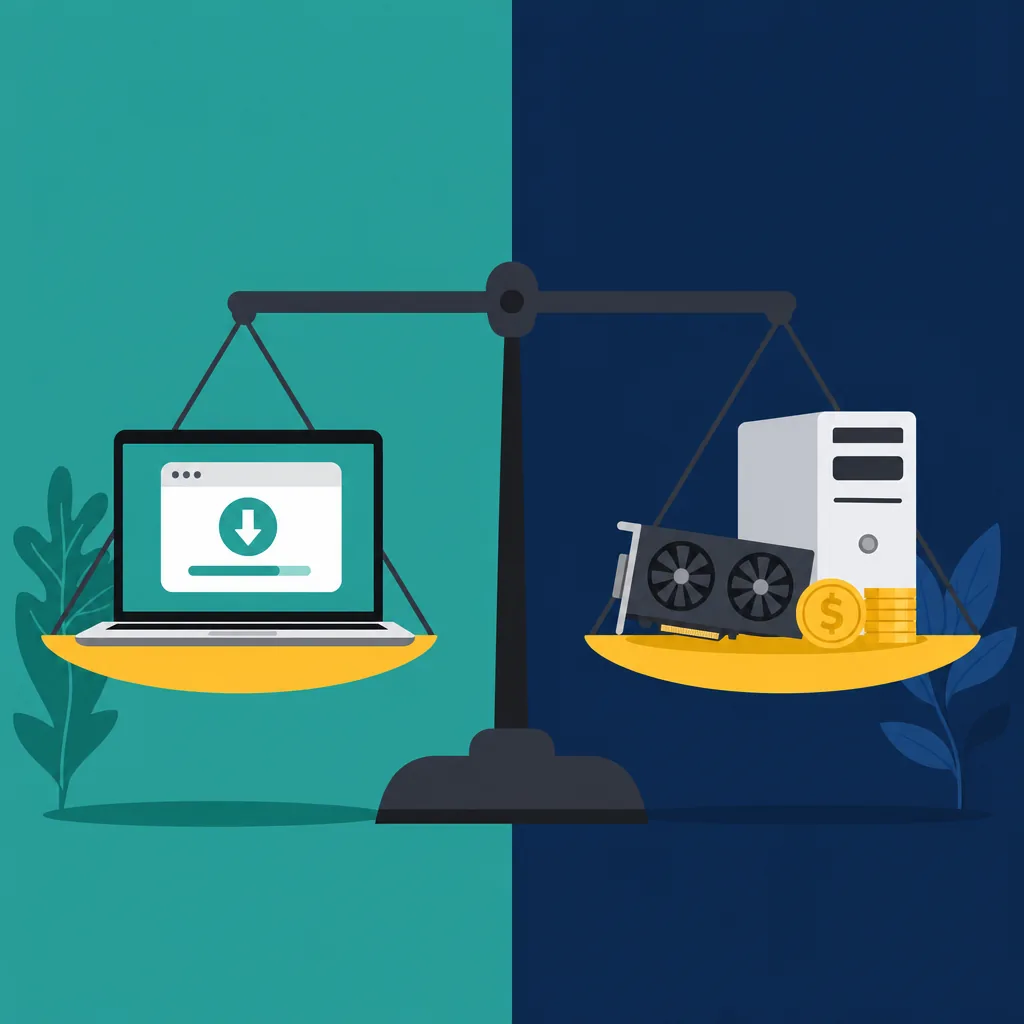
Hot wallets cost nothing. You download the app, create your wallet, and start transacting within minutes. Cold wallets require an upfront hardware purchase that ranges from roughly $60 to over $500, depending on the model and features you choose.
Entry-level hardware wallets in 2026 include the Tangem two-card set at $59.90 and the Trezor Safe 3 at $79. Mid-range options like the Ledger Nano X run $149, while Bitcoin-focused security devices such as the Coldcard start around $177 and can exceed that depending on configuration. Premium models with advanced features push past $500.
| Wallet Type | Upfront Cost | Network Fees | Ongoing Costs |
|---|---|---|---|
| Hot wallet (software) | $0 | Standard transaction fees | None |
| Entry hardware (Tangem, Trezor Safe 3) | $60–$80 | Standard transaction fees | None |
| Mid-range hardware (Ledger Nano X) | $150 | Standard transaction fees | None |
| Premium hardware (Coldcard+) | $175–$500+ | Standard transaction fees | None |
Beyond the device price, cold wallets introduce transaction friction that can increase your overall costs. Moving funds between a hot wallet (for everyday spending) and a cold wallet (for long-term storage) means paying network fees twice: once to deposit into cold storage, again to withdraw when you need access. If you consolidate small amounts frequently or rebalance between wallets often, these fees accumulate.
The hardware itself has no subscription or maintenance charges, but the workflow creates indirect costs. You’ll spend more time initiating transfers, confirming transactions on a physical device, and managing multiple wallet interfaces. For traders who move funds several times a week, this friction translates to higher cumulative network fees and slower access to liquidity compared to keeping everything in a single hot wallet.
Usability and Daily Trading Workflow
Your wallet’s usability directly determines whether you’ll actually use it correctly. A cold wallet that takes three minutes to approve each transaction won’t work for someone swapping tokens twice a day. A hot wallet left open on a browser won’t protect someone holding six figures for retirement.
Hot Wallets for Active Trading and DeFi
Hot wallets connect to the internet continuously, which makes them the only realistic option for frequent on-chain activity. If you’re providing liquidity on Uniswap, minting NFTs, or adjusting leverage positions on a decentralized exchange, you need instant transaction signing. Mobile wallets like MetaMask or Trust Wallet let you approve swaps in seconds, often with biometric authentication. Browser extensions stay logged in during your session, so you can interact with multiple DeFi protocols without re-entering credentials each time.
This convenience comes with exposure. Your private keys remain in software on a device that touches the internet regularly, which creates attack surface. For traders moving $500 to $5,000 at a time, the speed usually justifies the risk. You’ll likely lose more money to missed opportunities or price slippage than to a targeted wallet compromise, provided you follow basic hygiene (official apps, hardware-based key storage on mobile, avoiding public Wi-Fi for transactions).
Cold Wallets for Long-Term Storage
Cold wallets require you to physically connect the device, enter a PIN, and manually verify every transaction on a small screen before signing. A single send might take two to three minutes from start to finish. If you’re making one withdrawal per quarter, that’s fine. If you’re rebalancing a portfolio across four tokens twice a week, it becomes tedious enough that you’ll be tempted to leave funds in a hot wallet “just for now.”
The friction is the feature. Long-term holders who check their balance monthly benefit from the forced pause. You can’t impulse-send your Bitcoin to a phishing address when you have to retrieve a Ledger from a drawer, unlock it, and confirm the recipient address character by character. Cold wallets suit accumulation strategies where you deposit regularly but withdraw rarely, or where the amount at stake justifies the inconvenience (anything above $10,000 for most people, lower if your risk tolerance is conservative).
Portfolio Size: When to Upgrade from Hot to Cold
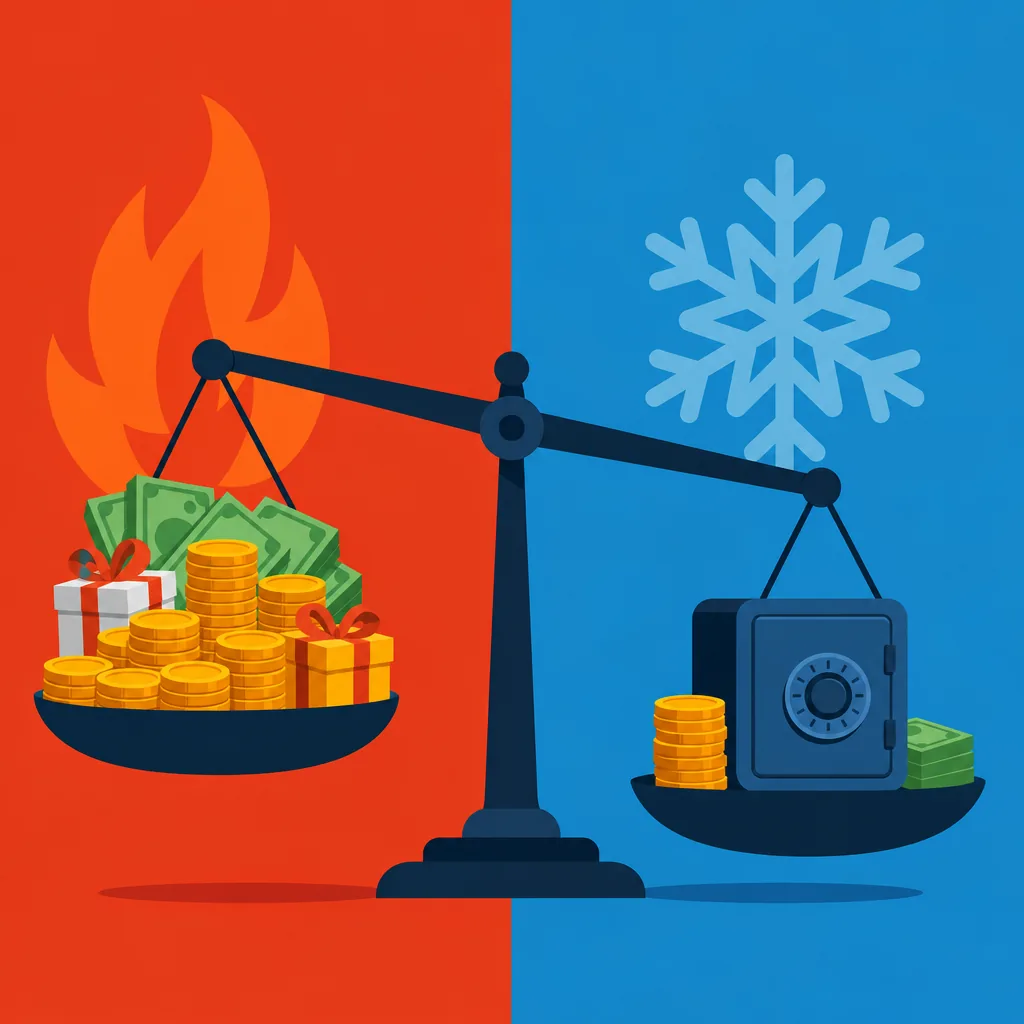
Once your holdings cross $1,000, the security argument for self-custody becomes compelling. At that threshold, moving assets off an exchange and into a non-custodial hot wallet or cold wallet delivers genuine ownership and reduces counterparty risk. Below $500, hardware wallet costs may feel steep relative to the portfolio, but even small balances benefit from self-custody through free hot wallet software.
The decision isn’t binary. Most experienced holders split their assets across three tiers: exchange accounts for active trading, hot wallets for regular spending, and cold wallets for long-term savings. A widely recommended split is 30% exchange, 20% hot wallet, and 50% cold wallet. This distribution balances accessibility with security and reduces single-point-of-failure risk.
Hardware wallets cost roughly $60 to $200. For a $500 portfolio, that’s 12% to 40% upfront, a tough sell. For a $5,000 portfolio, the same device represents 1% to 4%, easier to justify. As your holdings grow, the device shifts from an expense to insurance. You’re paying once to protect an expanding asset base.
Practical thresholds to consider:
- Under $500: Use a self-custody hot wallet and avoid keeping funds on exchanges longer than necessary for trading.
- $500 to $1,000: Consider a budget hardware wallet if you plan to hold for more than a year.
- $1,000 to $5,000: A mid-tier hardware wallet becomes cost-effective. Start moving the majority of holdings to cold storage.
- Above $5,000: Cold storage should hold the bulk of your assets. The inconvenience of signing transactions offline is outweighed by the protection against remote attacks.
As the portfolio scales, cold storage becomes less about inconvenience and more about preserving what you’ve built. The effort to plug in a device and confirm a transaction matters less when you’re protecting thousands.
Popular Wallet Options in 2026
Trust Wallet leads the hot wallet market with 35% market share, cementing its position as the most widely adopted self-custody option. Hot wallets still account for 78% of all crypto wallets globally, though cold storage is catching up: hardware wallets are growing at 28.3% annually, outpacing the overall wallet market’s 26.7% growth rate.
Leading Hot Wallet Options
Beyond Trust Wallet, the hot wallet space has seen a wave of innovation around smart accounts. By April 2026, over 62 million smart account wallets had been deployed across EVM-compatible blockchains. These wallets introduce features like gas sponsorship (where apps pay transaction fees on your behalf) and batched transactions (bundling multiple actions into one). For beginners, this means lower friction: you can interact with decentralized apps without holding native tokens for fees, and complex multi-step operations become one-click actions.
Traditional mobile wallets such as MetaMask, Phantom, and Coinbase Wallet remain popular choices, each offering different trade-offs in user interface simplicity, token support, and integrated swap features. Most support multiple blockchains, though beginners should verify which networks and tokens a wallet handles before committing.
Top Hardware Wallets for Beginners
Ledger and Trezor continue to dominate the hardware wallet market, with both offering entry-level devices priced between $60 and $80. Ledger Nano S Plus and Trezor Model One provide straightforward setup processes and support for thousands of cryptocurrencies. For those willing to spend $150 to $200, devices like Ledger Nano X and Trezor Model T add Bluetooth connectivity, larger screens, and touchscreen interfaces.
Newer entrants like Keystone (formerly Cobo Vault) and Tangem have introduced alternative approaches: Keystone uses QR codes for air-gapped communication, eliminating USB or Bluetooth connections entirely, while Tangem offers card-shaped hardware wallets that tap against your phone. Each design prioritizes different security models, but all share the same core principle of keeping private keys offline and away from internet-connected devices.
Critical Security Practices for Both Wallet Types
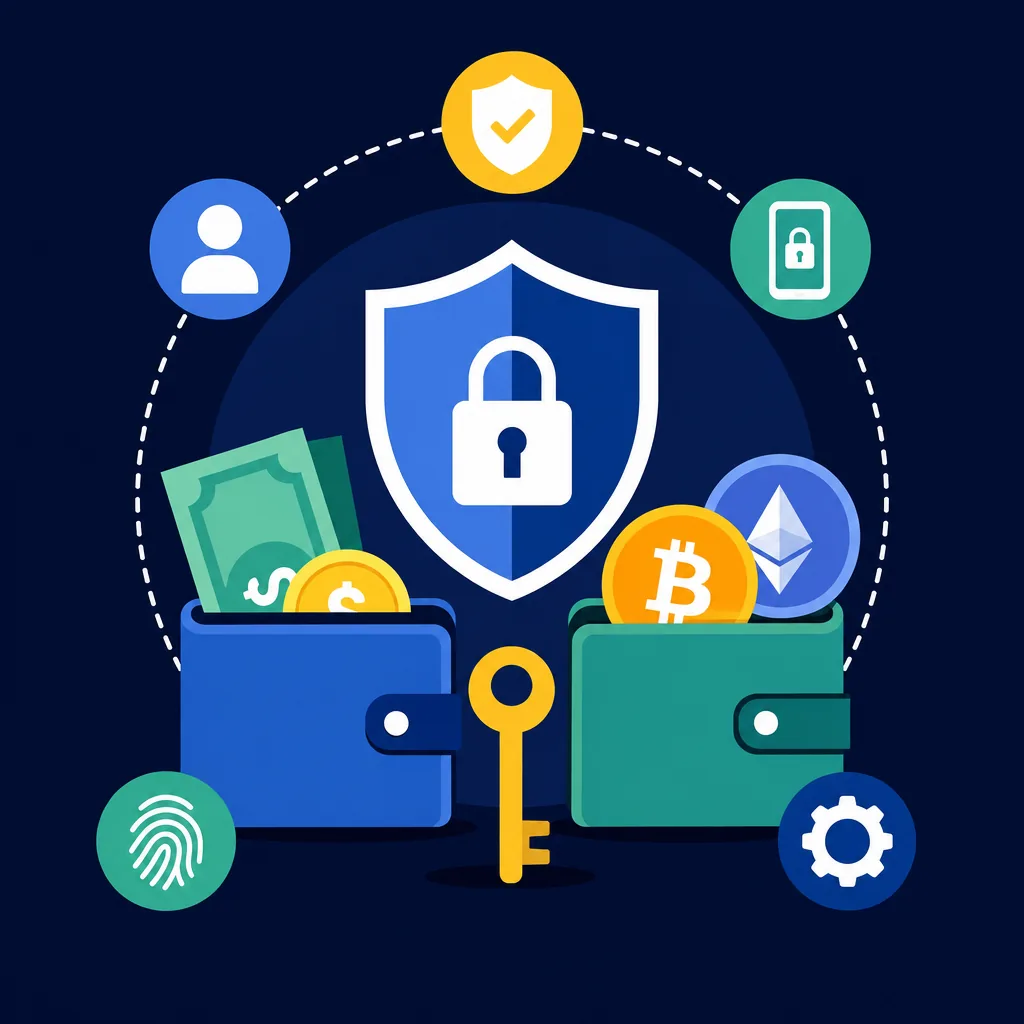
Your seed phrase is the single point of failure for any self-custody wallet. Write it down on paper or stamp it into metal, store it in a secure physical location, and never photograph it, email it, or save it in any digital file. Anyone who obtains your seed phrase controls your funds permanently, with no recovery mechanism.
Before downloading any wallet app, verify its authenticity. Go directly to the official project website and follow the download links from there, or cross-check the app store listing against the developer information published on the official site. Scammers routinely publish fake wallet apps with names nearly identical to legitimate ones, and once you enter your seed phrase into a fraudulent app, your funds disappear immediately.
If you’re using a hot wallet, treat your phone or computer as a critical security device. Enable a strong PIN or biometric lock, keep your operating system and wallet app updated, and avoid installing unverified software. For cold wallets, physical security matters: store hardware devices in a safe place where they won’t be lost, stolen, or damaged.
When moving funds to a new wallet for the first time, test the process with a small amount. Send $10 worth of crypto, verify it arrives, and if possible, practice sending it back out. This confirms you’ve backed up your seed phrase correctly and understand how to access your funds. Only after a successful test should you transfer larger amounts.
Self-custody means there’s no customer service number to call if something goes wrong. No company will reset your password or reverse a transaction sent to the wrong address. You are the bank, the security team, and the recovery department. If you lose your seed phrase and your device fails, your crypto is gone. If you fall for a phishing scam and approve a malicious transaction, no one can undo it. Accept this responsibility before moving funds off an exchange.
Making Your Decision: Which Wallet Fits Your Needs
If your portfolio sits below $500 and you’re actively trading or interacting with DeFi protocols, a hot wallet makes sense. The convenience of mobile or browser access matters more than maximum security when the amount at risk is relatively small. You’ll learn the basics of transaction signing, gas fees, and seed phrase backup without the upfront cost of hardware.
Once your holdings cross $1,000, or if you’re planning to hold for months or years without frequent transactions, invest in a cold wallet. The hardware cost (typically $50-$150) becomes a reasonable insurance premium against the phishing attacks and malware that compromise thousands of hot wallets annually. Long-term holders who rarely move funds have little reason to keep private keys connected to the internet.
Most experienced users eventually split their holdings: hot wallet for active trading and DeFi participation, cold wallet for long-term savings. This hybrid approach mirrors how you might keep daily spending money in a regular checking account and larger reserves in a separate savings account. You withdraw from cold storage to hot only when you need liquidity, then move profits back to hardware after a trading cycle.
The wallet type matters less than your seed phrase management. A cold wallet used carelessly (photographing the recovery phrase, storing it in cloud backups) offers no more protection than a properly secured hot wallet. Start by practicing recovery on a small test amount before trusting either option with significant funds.
Self-custody is a learned skill. Begin with a modest amount, make a few transactions, practice recovering your wallet from the seed phrase on a different device, and gradually increase your holdings as your confidence grows. The perfect wallet is the one you actually know how to use correctly.
Start Where You Are and Scale Security as You Grow
There’s no universal answer. Portfolio size, trading frequency, and your willingness to manage physical devices all shape the right choice. Hot wallets work for active traders with smaller balances who need instant access. Cold wallets protect long-term holders with portfolios large enough to justify the hardware cost and the friction of offline signing. Most experienced users run both, splitting assets between accessibility and isolation.
Self-custody is about taking responsibility for security, not just choosing hardware. A free hot wallet managed carefully beats leaving everything on an exchange. A cold wallet used carelessly (seed phrase stored digitally, device left unsecured) offers little advantage. Start with what you can manage. Test your setup with a small amount. Practice recovering your wallet from the seed phrase. Only then move larger holdings.
Your wallet choice will evolve as your portfolio grows and your habits change. Begin with a hot wallet if you’re learning the mechanics of on-chain transactions. Add a cold wallet when your holdings justify the investment. Refine your security practices as you gain confidence. The goal isn’t perfection on day one; it’s building the skills to protect your assets as they grow.
Leave a Reply